Step by step
How Pickbid works
Pickbid takes a cricket league from a list of names to a finished season in five steps. You create the league, players build their cards, you set up the teams, you run the auction live, and then you record results as the season plays out.
Everything runs in a browser. Organizers sign in with a Google account; players and spectators need no account at all, which is why each step below ends in a link you can paste into a group chat.
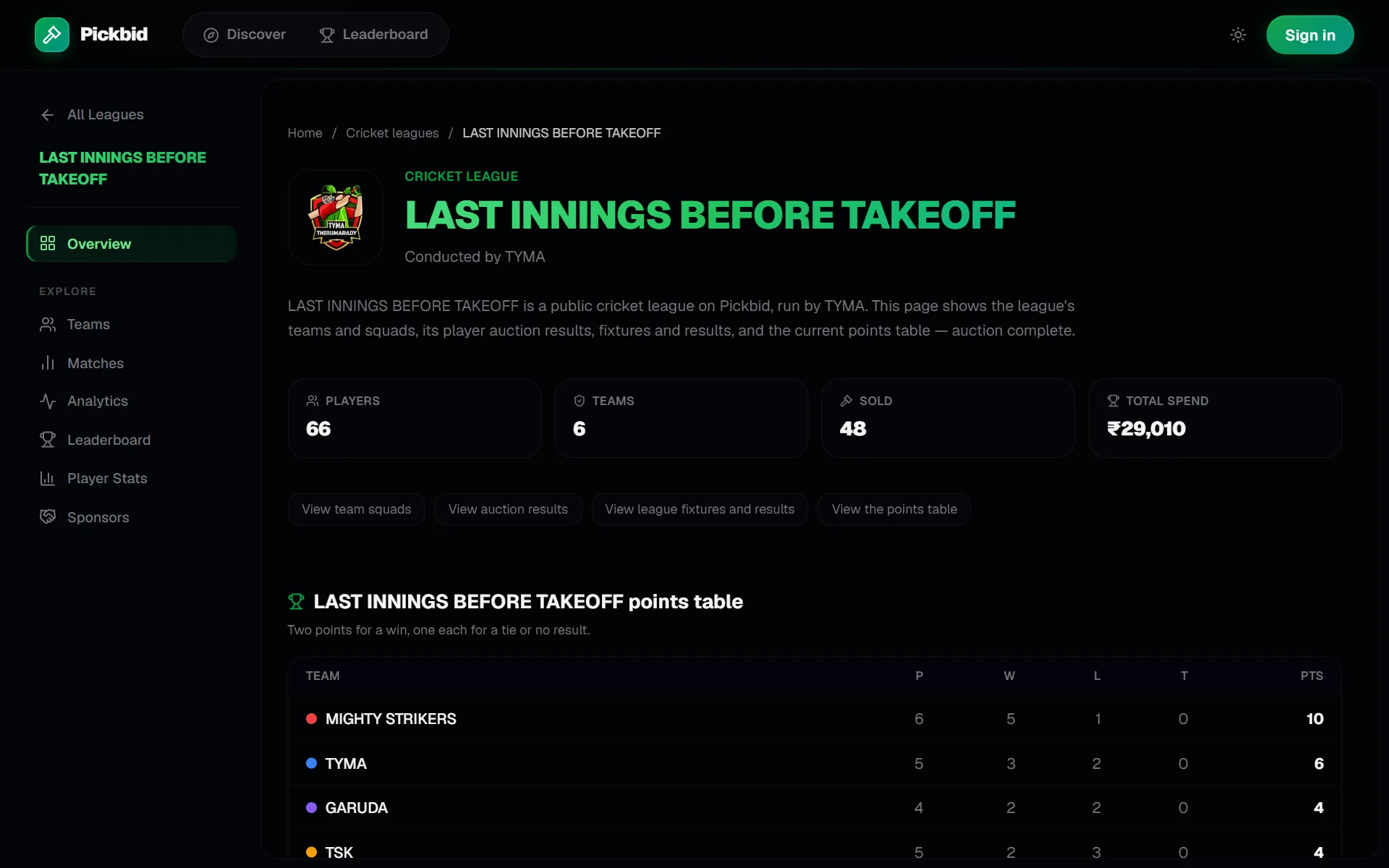
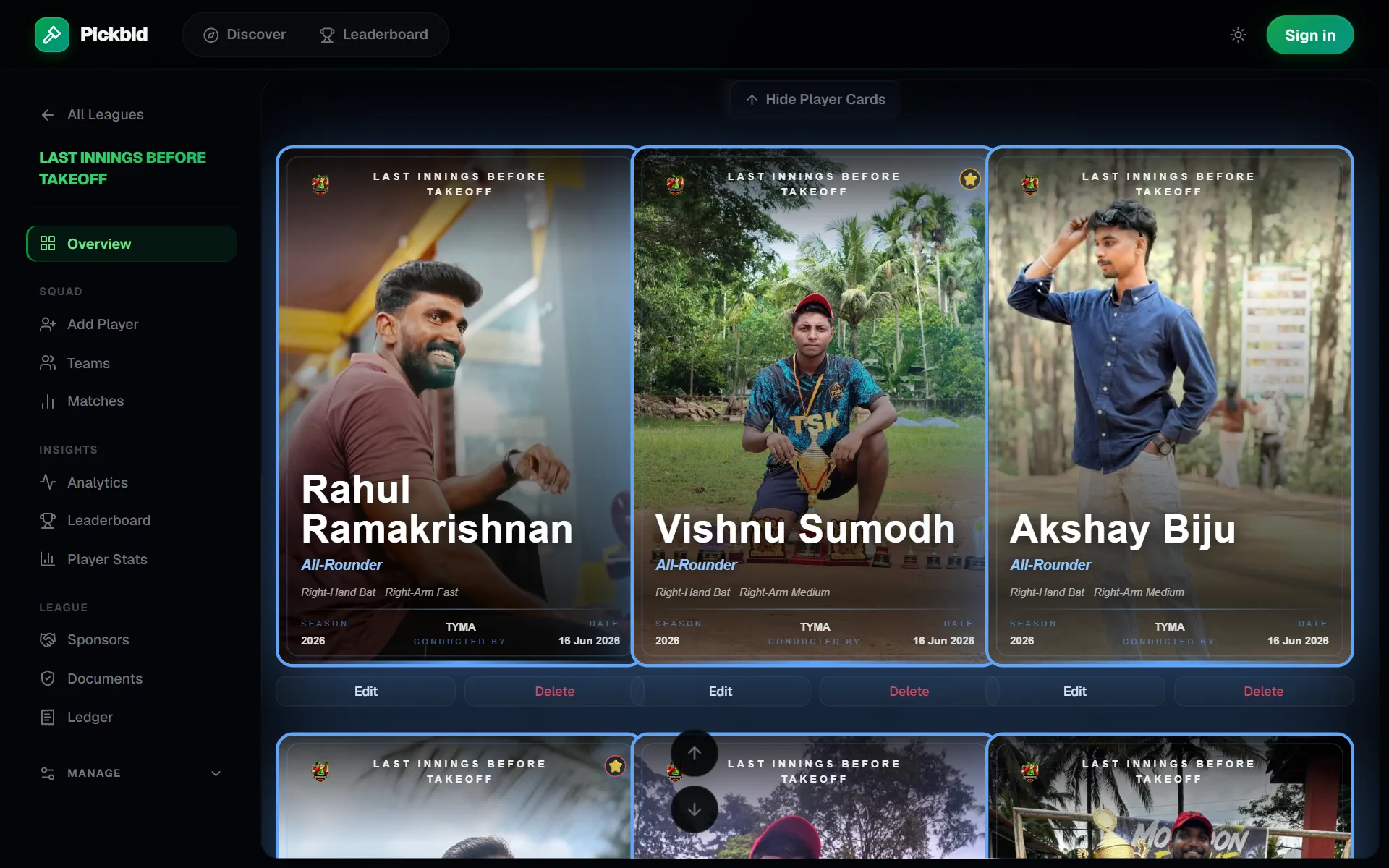
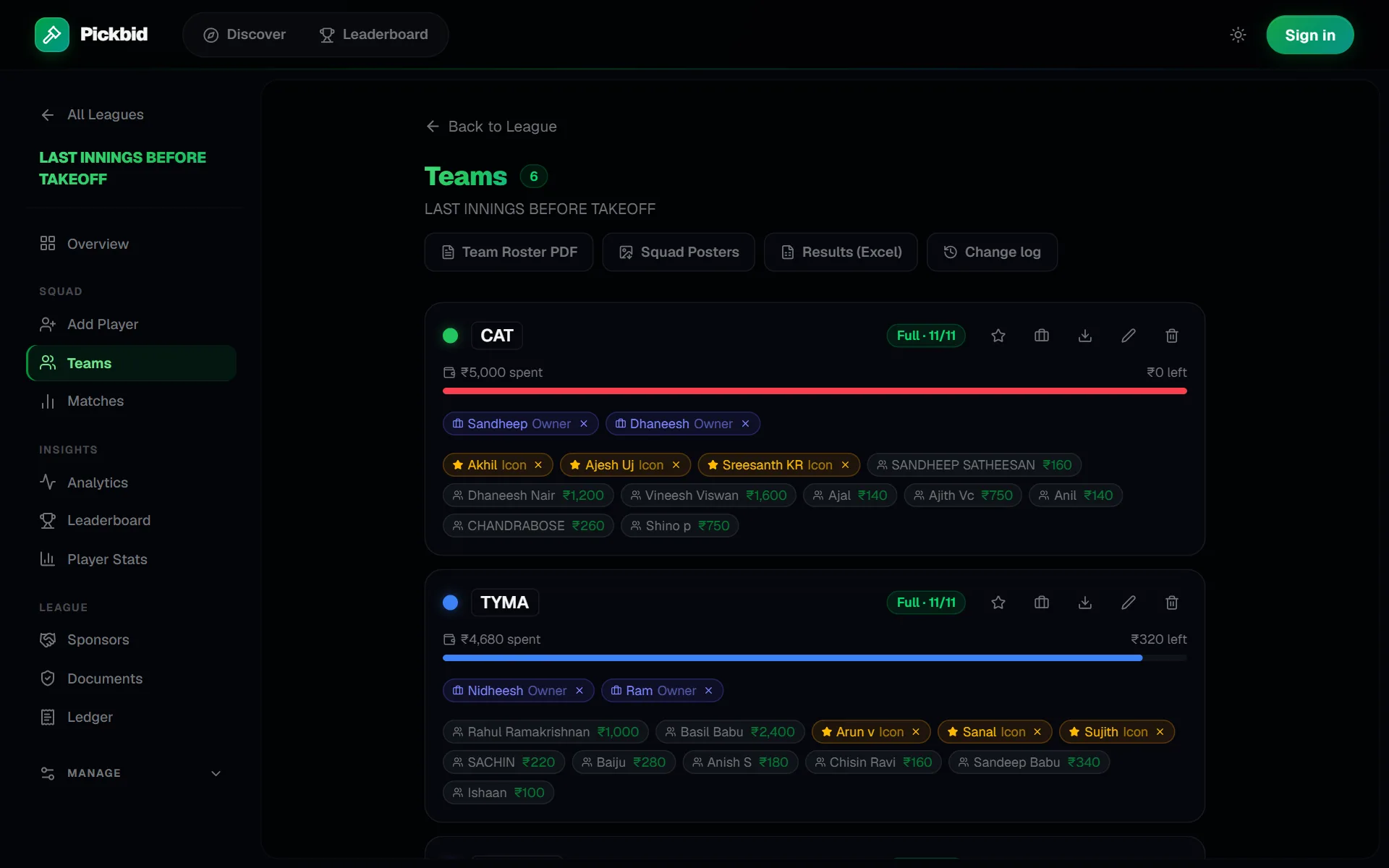
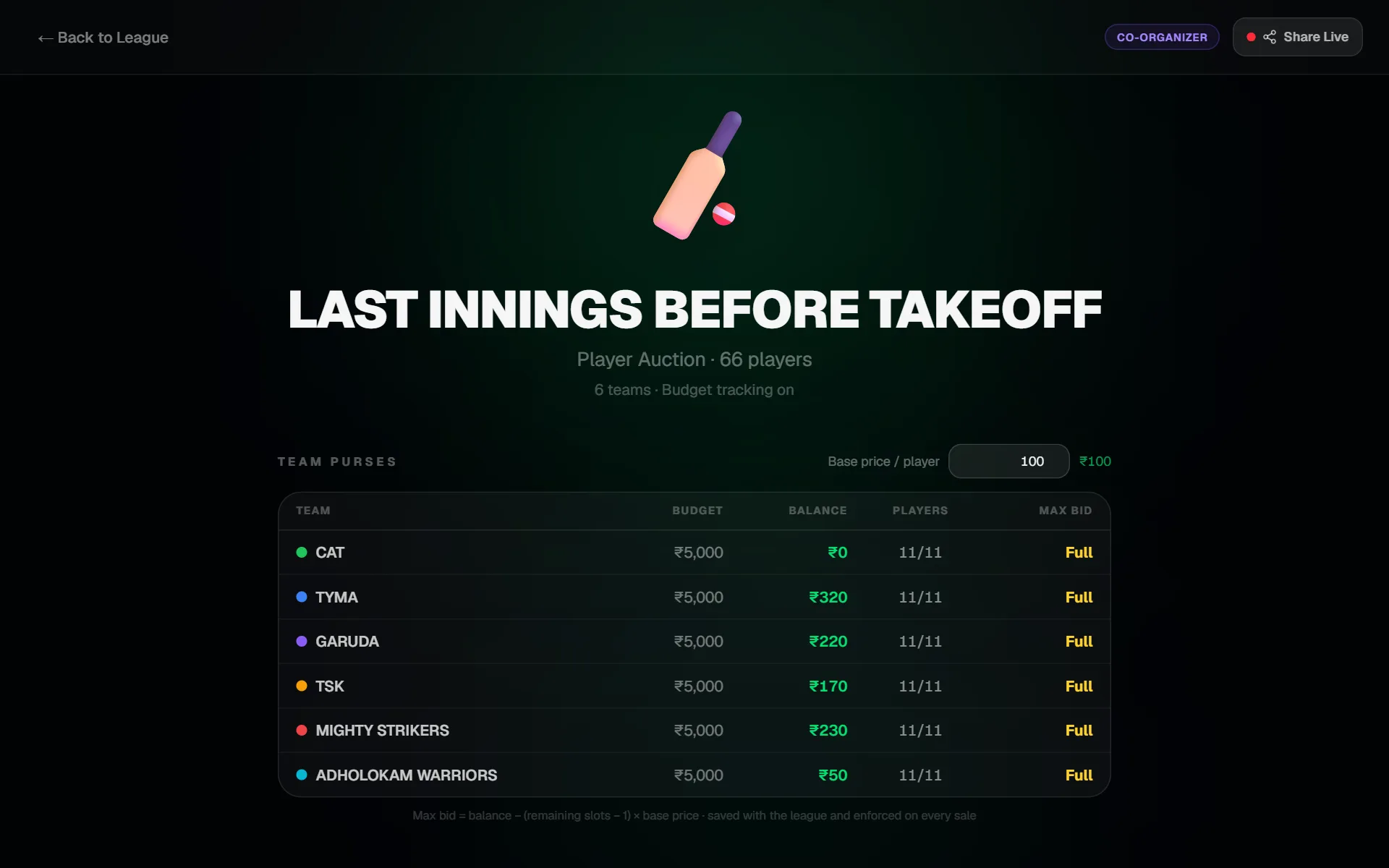
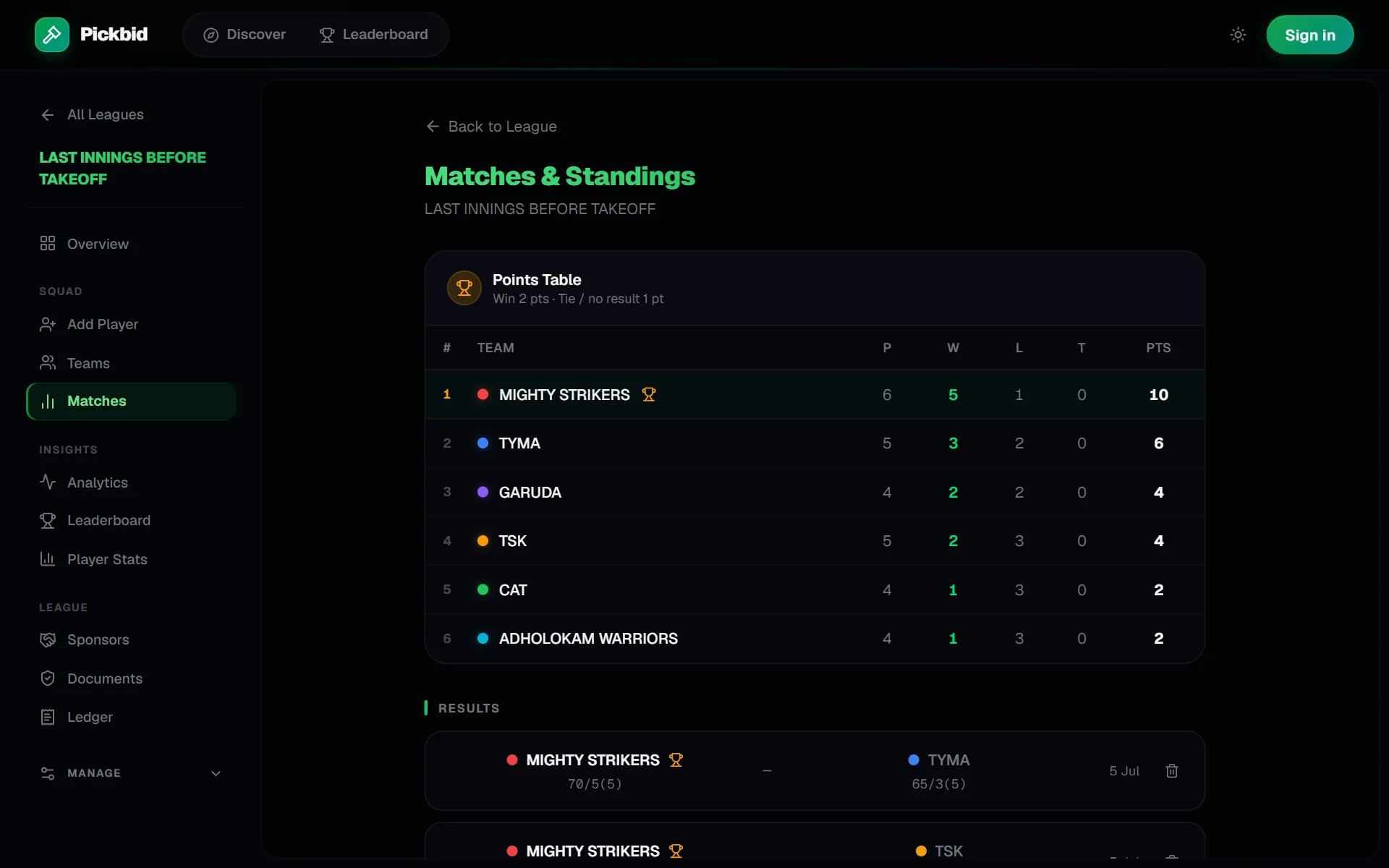
Screens from LAST INNINGS BEFORE TAKEOFF, a public league run on Pickbid.
The five steps
In order, start to finish. You can pause at any point and come back — nothing has to be finished in one sitting, and players can keep registering right up until you open the auction.
- 1. Create your league
- Sign in with Google and give your league a name, a per-team budget and your squad rules. This is the only setup step that has to happen before anything else, and it takes about a minute.
- 2. Add players and build their cards
- Add players yourself, or send them a registration link so each player fills in their own details and photo — no account needed on their side. Each one becomes a player card in whichever of the 12 colour templates you picked for the league.
- 3. Set up teams and purses
- Create the teams, assign their owners and officials, and confirm each team’s purse. If you seed marquee players, assign them as icon players now so they are already on a roster before bidding opens.
- 4. Run the auction live
- Open the auction and move through players one at a time. You control the bidding from one screen while the public watch link mirrors the current player, the live bid and every team’s remaining purse for the room. Budgets are enforced as you go, so a team cannot overspend.
- 5. Share squads, then run the season
- When bidding ends, export PDF squad sheets, open the Auction Wrapped recap or let each team reveal its squad as a pack of cards. From there record fixtures and results, and the points table and leaderboards keep themselves up to date.
What each person sees
Three different people touch a league, and each one gets a different view of it. Knowing which is which saves explaining it on the night.
- You, the organizer
- The full workspace: players, teams, purses, the auction controls, fixtures, results and an optional income and expense ledger. You can add co-organizers to share the work.
- Players
- A registration link where they enter their own details and photo and see their finished card. No sign-in, and no access to your auction controls.
- Team owners and spectators
- The public watch screen during the auction, and the league page afterwards with squads, results and the points table. Both are plain links that work without an account.
What you need before you start
Less than most organizers expect. A Google account to sign in, a list of players, and a decision on two numbers: how much each team gets to spend, and how many players a squad must end up with.
You do not need a venue, a projector or everyone in one room — team owners can bid from wherever they are, and the watch link works on a phone. A projector just makes it more fun.
Frequently asked questions
- How long does it take to set up a league?
- Creating the league itself takes about a minute — a name, a team budget and your squad rules. Adding players takes as long as your roster needs, though you can hand that off by sharing the registration link and letting players fill in their own cards.
- Do I have to run the auction on the same day I set the league up?
- No. A league can sit half-built for as long as you like. Players can keep registering until you open the auction, and nothing expires in between.
- Can I practise an auction before the real one?
- Yes. Run the auction, then reset it to clear every sale and restore each team’s purse. A practice run the night before is the usual way organizers check their budgets and squad rules actually work.
- What happens if I make a mistake during the auction?
- Sales can be undone, and the whole auction can be reset if it needs to start over. Purses recalculate from the sales that remain, so the numbers stay consistent with what actually happened.
Start with step one
Create your league, set a budget and share the registration link. Everything after that follows the order above.
Create your leagueKeep reading
- How a cricket auction works
The format itself — purses, base prices, icon players and unsold rounds.
- Running your auction online
The two-screen setup for auction night, including remote team owners.
- Everything Pickbid includes
The full feature list, grouped by what each part is for.
- Frequently asked questions
Accounts, sharing, costs and what spectators can see.